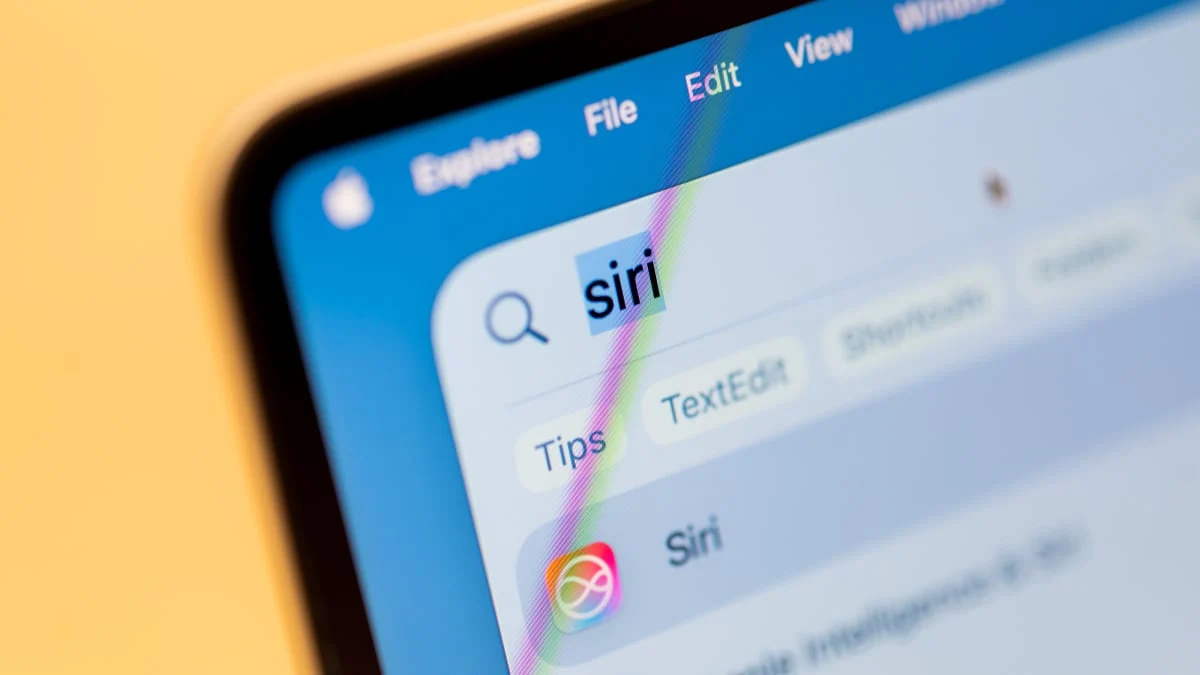
Developers and early adopters testing the macOS 27 Golden Gate beta have uncovered a dormant Siri AI interface designed to integrate generative intelligence directly into the operating system’s text-handling capabilities. This hidden "lightweight UI" represents a significant shift in Apple’s approach to desktop artificial intelligence, moving beyond a voice-activated assistant toward a system-wide utility layer. The discovery, initially reported by users within the developer community, suggests that Apple is preparing a more aggressive rollout of its "Apple Intelligence" suite for desktop users.
The feature appears as a contextual pop-up menu that triggers when a user highlights text within virtually any application. Unlike previous iterations of Siri, which often required a dedicated window or full-screen overlay, this secret Siri AI interface operates as a floating palette of tools. It provides immediate access to text transformation features, including rewriting, proofreading, and summarization, effectively embedding AI capabilities into the core workflow of the macOS environment.
The Discovery of the Hidden Siri AI Interface
The existence of this interface first gained traction on the r/MacOSBeta subreddit, where a user identified as pdfu shared findings from the macOS 27 Golden Gate developer beta 3 and public beta 1. The community quickly identified the feature as an unfinished "Writing Tools" suite, branded under the broader Siri AI umbrella. While Apple has officially announced several AI features for its upcoming operating systems, this specific lightweight UI was not enabled by default in the initial beta releases.
Industry analysts suggest that the feature is currently hidden because it remains in an unstable, "work-in-progress" state. Testers have noted that while the UI elements are present, many of the underlying functions are inconsistent or non-functional. Apple traditionally utilizes "feature flags" to hide experimental code in public-facing betas, allowing internal engineers to test components without exposing the general public to potential system crashes or data corruption.
The secret Siri AI interface is part of a larger initiative known as Golden Gate, the codename for macOS 27. This version of the operating system is expected to be the most AI-centric release in Apple’s history. By integrating these tools at the system level, Apple aims to provide a unified experience that does not rely on third-party plugins or browser extensions for generative text tasks.
Capabilities of the New Lightweight UI in macOS 27 Beta
When activated, the secret Siri AI interface provides a specific set of tools categorized under "Writing Tools." These include options to "Rewrite" text for different tones, "Proofread" for grammatical accuracy, and a unique "How does this sound?" feature. The latter is designed to analyze the sentiment and professional quality of a draft, providing feedback on whether a message comes across as too aggressive, too casual, or appropriately formal.
Beyond creative writing, the interface includes administrative shortcuts. Users can highlight a block of text and select options to generate a concise summary or transform the information into a list of bullet points. This functionality mirrors capabilities found in dedicated AI platforms like ChatGPT or Claude but brings them directly into native apps like Mail, Notes, and Pages, as well as third-party software.
The secret Siri AI interface also demonstrates advanced contextual awareness. When a user highlights a specific type of data, the menu dynamically adjusts its offerings. For instance, selecting a phone number might trigger an "Add to Contacts" prompt, while selecting a physical address provides a shortcut to "Open in Maps." Other context-sensitive tools include the ability to create calendar events from dates found in text, compose emails based on highlighted prompts, and track logistics for flight numbers or package IDs.
Technical Requirements and Risks for Early Access
For users currently enrolled in the macOS 27 beta program, the interface can be enabled through the Terminal, though experts advise caution. Accessing the secret Siri AI interface requires administrative privileges and the modification of system-level feature flags. The process involves creating a specific directory within the Library preferences and writing a boolean command to enable the "LightweightUI_macOS" flag within the Writing Tools domain.
The specific command used by testers is: sudo mkdir -p /Library/Preferences/FeatureFlags/Domain && sudo defaults write /Library/Preferences/FeatureFlags/Domain/WritingTools LightweightUI_macOS -dict Enabled -bool true. Following the execution of this command and a full system restart, the interface becomes active. To disable the feature and return to the standard system behavior, users must run the same command with the flag set to false.
System administrators warn that modifying these files can lead to unintended consequences. Because this version of the Siri AI interface is not finalized, it may cause applications to hang or crash when text is selected. Furthermore, because these tools interact with the clipboard and system-level text buffers, there are inherent risks regarding data stability in a beta environment. Apple does not provide official support for features enabled via manual terminal overrides.
The Evolution of Apple Intelligence in macOS
The development of the secret Siri AI interface is a cornerstone of Apple’s broader "Apple Intelligence" strategy. For years, Siri was criticized for lagging behind competitors like Google Assistant and Amazon Alexa in terms of natural language processing and utility. With the advent of large language models (LLMs), Apple has pivoted to a strategy that emphasizes on-device processing and "Private Cloud Compute."
The lightweight UI in macOS 27 Beta represents the visual manifestation of this shift. By moving Siri from a voice-first interaction model to a text-and-context model, Apple is positioning the assistant as a productivity partner. This transition is essential for the desktop environment, where users are more likely to be engaged in complex document creation and communication than in simple voice commands.
This secret Siri AI interface is expected to leverage Apple’s M-series chips, which feature dedicated Neural Engines designed for machine learning tasks. By keeping much of the AI processing on the local hardware, Apple maintains its commitment to user privacy—a key differentiator from cloud-heavy AI services provided by Microsoft and Google.
Privacy Implications of System-Wide AI Tools
As Apple integrates the secret Siri AI interface more deeply into macOS 27, privacy remains a central topic of discussion. System-wide text analysis requires the OS to "read" what is on the screen to provide contextual suggestions. To mitigate privacy concerns, Apple has stated that its AI features rely on local processing whenever possible. When a task requires more computational power than the local device can provide, the system uses Private Cloud Compute, which Apple claims ensures that data is never stored or made accessible to the company.
The hidden nature of the interface in the current beta allows Apple to refine these privacy guardrails. Ensuring that the "Writing Tools" do not inadvertently leak sensitive information from encrypted apps or private documents is a prerequisite for a general release. The current beta testing phase is critical for identifying "edge cases" where the AI might misinterpret sensitive data types.
Competitive Positioning Against Microsoft and Google
The discovery of the secret Siri AI interface comes at a time of intense competition in the desktop OS market. Microsoft has already integrated its Copilot AI into Windows 11, providing a sidebar and contextual menus that offer similar rewriting and summarization features. Google has likewise introduced Gemini-powered tools into ChromeOS and its suite of web-based productivity apps.
Apple’s approach with macOS 27 appears to be more minimalist and integrated. Rather than a persistent sidebar that consumes screen real estate, the lightweight UI only appears when needed. This design philosophy aligns with Apple’s historical focus on "clean" interfaces and reducing "feature bloat." By keeping the interface hidden during the beta, Apple is likely fine-tuning the balance between helpfulness and intrusion.
The success of the Siri AI interface will depend on its accuracy and speed. If the "Rewrite" and "Proofread" tools can match the quality of established services like Grammarly or ProWritingAid, Apple could significantly disrupt the market for third-party writing assistants.
The Road Ahead for macOS 27 Golden Gate
While the secret Siri AI interface is currently a hidden gem for beta testers, its official debut is expected later this year or early next year. Apple traditionally holds its hardware events in September and October, often coinciding with the release of new software versions. It is unclear whether the "Writing Tools" and the lightweight UI will be branded as a "version 1.0" product or remain in a "beta" tag even upon public release.
The feedback from the r/MacOSBeta community and other developer forums will be instrumental in shaping the final version of the interface. If the terminal-enabled version proves too buggy, Apple may delay the feature’s public debut to a point-release, such as macOS 27.1 or 27.2.
In the interim, the existence of the secret Siri AI interface serves as a roadmap for the future of the Mac. It signals an era where the operating system is not just a platform for running apps, but an active participant in the user’s creative and professional output. As Apple continues to bridge the gap between traditional computing and artificial intelligence, macOS 27 Golden Gate stands as a pivotal moment in the evolution of the personal computer.